Reliable Access Route
Keeping one trusted 669G login route can reduce exposure to copied pages and misleading links. Save the official address only after checking it carefully, rather than relying on search ads or forwarded messages.
 Register
669G Login helps registered users reach their account dashboard, profile settings, wallet records, promotions, and mobile entertainment areas. This guide covers careful sign-in steps, official page checks, password and code issues, device safety, and responsible account use for users in Bangladesh who want to manage access with greater confidence.
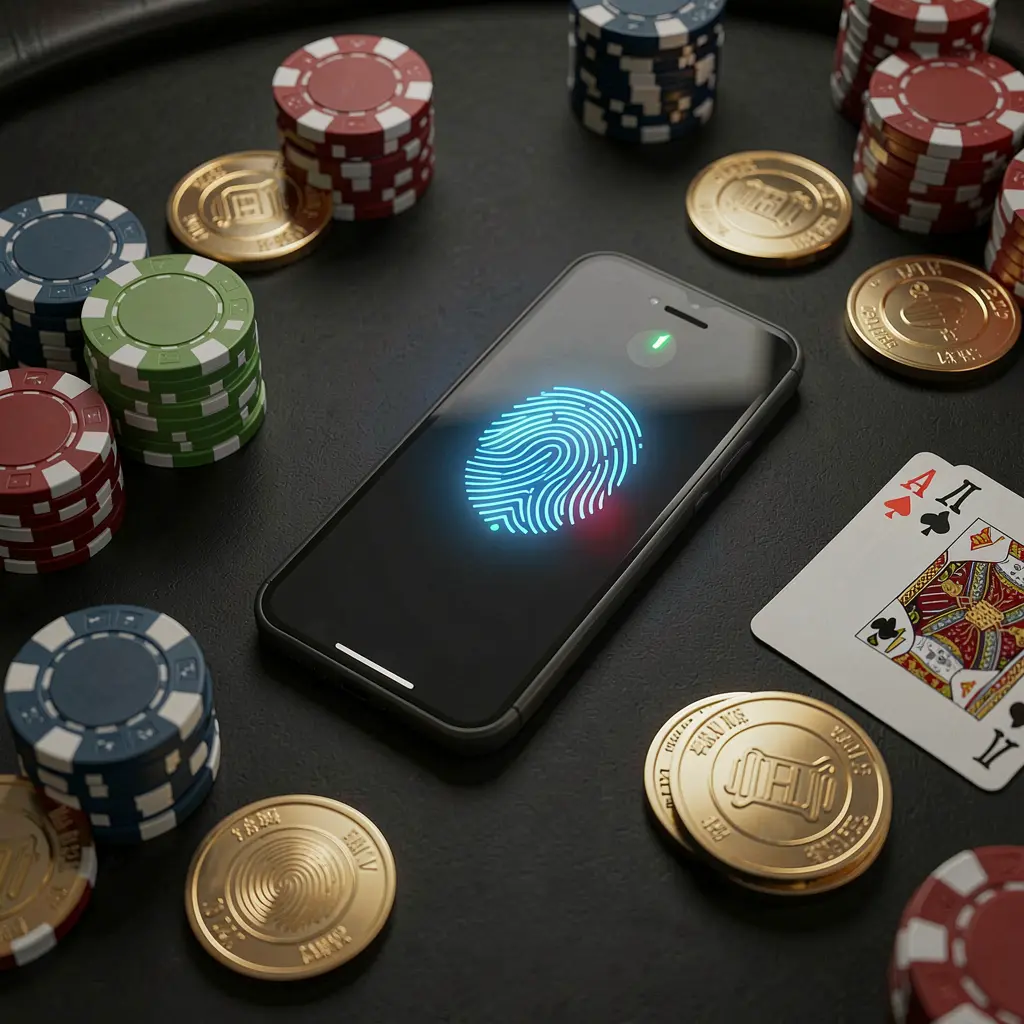
The 669G Login page is the account entry point for registered users who need to access profile tools, wallet sections, account notices, promotions, and other available features. Signing in carefully helps keep personal details and account activity under control.
Before entering any information, confirm that the page belongs to the official 669G route. Copied links, unfamiliar domains, social posts, and private messages can lead to unsafe forms designed to collect passwords, verification codes, or contact details.
Users in Bangladesh should also consider local requirements and platform terms before using gaming-related services. Account access should be approached responsibly, with attention to privacy, spending limits, and the potential risks connected with gambling-style activities.
A careful 669G login process starts with the correct access page and ends with a quick review of the account dashboard. Take a moment to check each step rather than repeatedly entering details after an error.
Use the official 669G website, a saved verified bookmark, or the platform's own app entry. Avoid links from unknown advertisements, group messages, unofficial agents, or accounts claiming to offer faster access.
Review the domain, page name, browser security indicator, and page layout before typing. Leave the page if it has spelling mistakes, unexpected downloads, unusual redirects, or requests that do not match normal account access.
Enter the phone number, email address, username, or account ID linked to the 669G profile. Type the password carefully, and keep any one-time verification code private and limited to your own login session.
Once signed in, check profile information, wallet records, recent activity, and account messages. If an unfamiliar change appears, log out, update the password where possible, and contact the official support route.
Keeping one trusted 669G login route can reduce exposure to copied pages and misleading links. Save the official address only after checking it carefully, rather than relying on search ads or forwarded messages.
Failed login attempts can result from a small error in a phone number, email address, username, or password. Check the registered detail and keyboard language before starting password recovery or requesting more codes.
Where a verification code is required, keep access to the registered mobile number or inbox available. Weak signal, full storage, spam filters, and expired codes can interrupt an otherwise normal sign-in process.
Consider whether the device is private, shared, or publicly accessible before logging in. Logging out after use and avoiding saved passwords on shared devices can help prevent another person from opening the account.
Login issues may happen because of incorrect details, weak internet service, outdated browser data, expired verification codes, or an unofficial access link. Work through basic checks calmly instead of making repeated attempts that may complicate access.
Use the official 669G password recovery option and confirm the correct registration detail first. Do not share passwords, recovery links, or screenshots with private contacts who claim they can restore access.
Check the phone signal, inbox, spam folder, blocked messages, and registered contact information. Allow time before requesting another code, since multiple rapid requests can delay delivery or invalidate earlier codes.
Refresh the verified page, check your connection, clear relevant browser cache, or use an updated browser. Close the page if it redirects unexpectedly, asks for unusual payments, or displays unfamiliar account fields.
A 669G account may contain personal contact details, profile information, wallet records, and activity history. Treat login details as private credentials, and do not provide them to anyone through unverified chat accounts, calls, or social media messages.
669G and similar services should only be used by adults who understand gambling-related risk. Account access should support informed control, not pressure to spend or continue playing. If gaming affects finances, wellbeing, study, work, or family life, stop using the service and seek appropriate support.
Find practical answers about 669G Login, mobile access, verification codes, password recovery, account protection, and responsible use.
669G Login is the account access page for registered users who want to sign in and reach available profile, wallet, promotion, message, and account-management tools.
Use the official 669G website or a verified bookmark, check the domain and page layout, enter registered details carefully, and never share passwords or verification codes with unofficial contacts.
Users can access login pages through a compatible mobile browser or an official app route where available. Keep the browser updated and avoid saving account details on shared phones.
Check that the correct registered phone number, email, or username is being used. If necessary, use only the official password recovery process and avoid repeated guesses or third-party help offers.
Review the dashboard, profile details, wallet records, recent account activity, and messages. If you notice an unfamiliar change, log out and use the official support channel for guidance.